Completing the Installation
After modification adjustment, continue the installation.
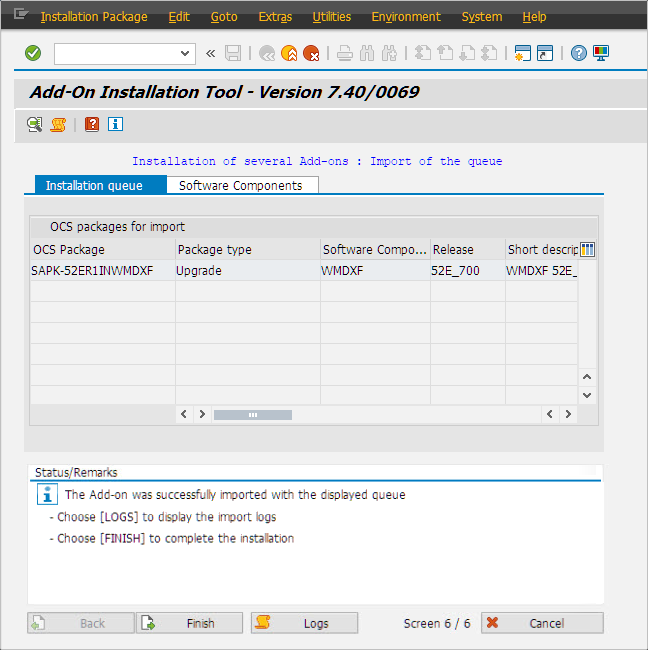 |
➣ When it is finished, a notification will announce successful completion.
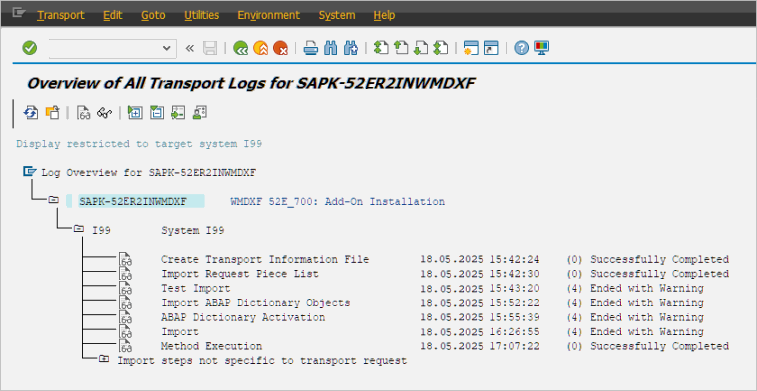
To see the transport log, click the button Logs.
Notice
In the following cases, errors may occur in the transport during installation:
If obsolete xFlow objects from Version 4 are located in the system due to neglected deletion after migration to Version 5
If there are user exits or Z-programs in the system which are no longer compatible
Therefore, in order to ensure a successful installation, remove these kinds of causes of transport errors in advance.
For this, clear all superfluous objects and adjust incompatible programs.
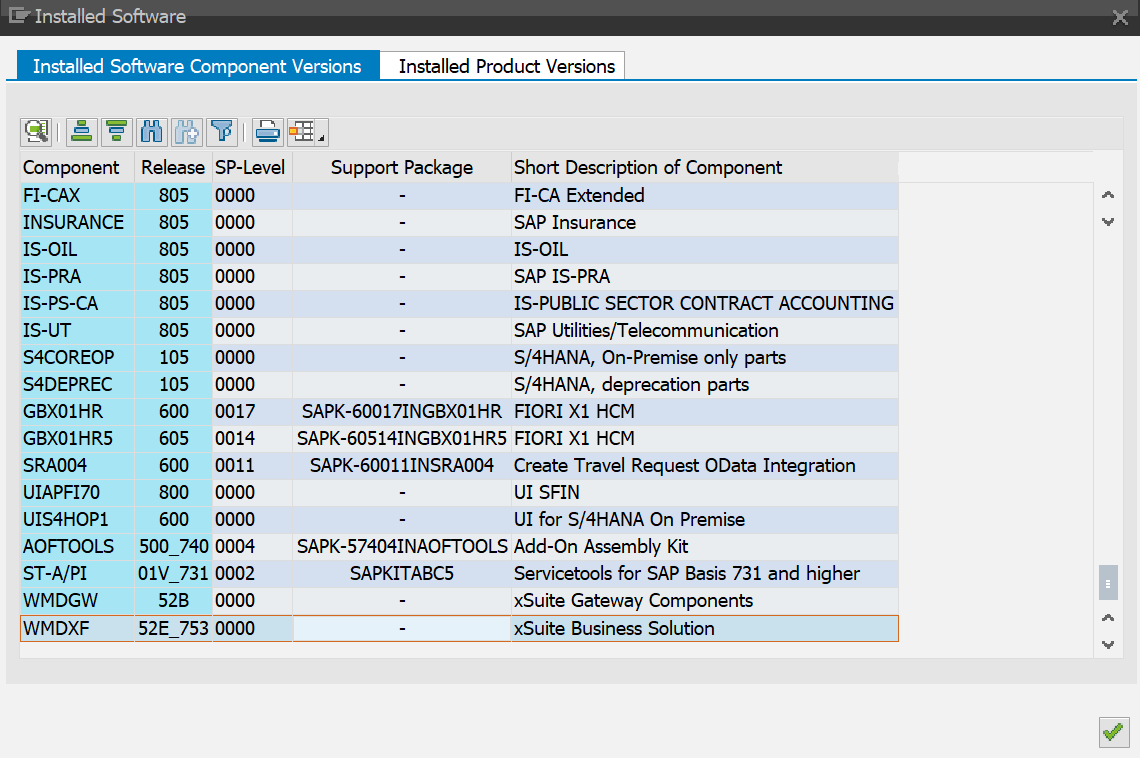
➣ When the installation is complete, xSuite Business Solutions will be displayed as an installed component in the menu under System → Status.