Escalation notifications (report /WMD/XF_USR_ESCALATION)
Notice
Execution of the report /WMD/XF_USR_ESCALATION requires that settings be maintained in the tab Escalation in xSuite User Administration. For more information, see "Escalation" tab.
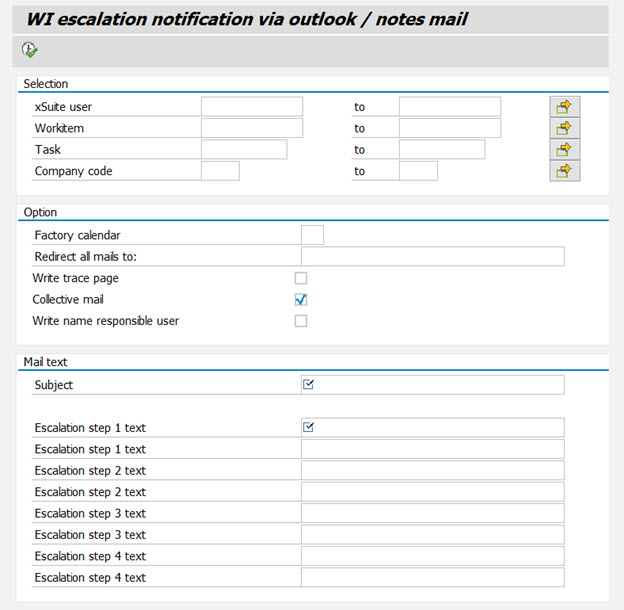
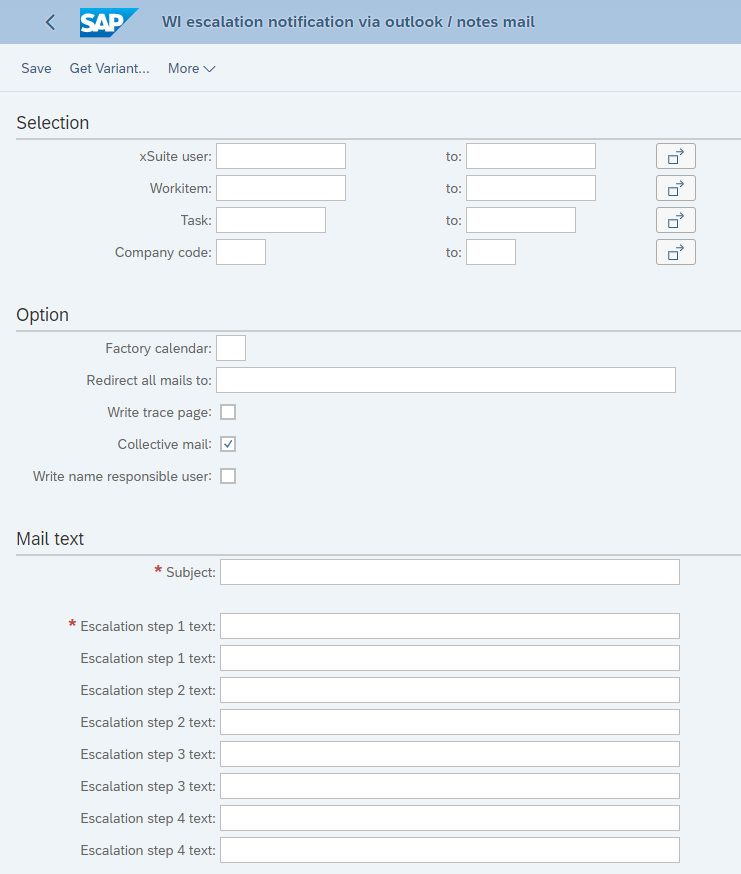
The report /WMD/XF_USR_ESCALATION (escalation report) includes the automatic notification of another user when a work item has not been processed for a specified period of time.
If a user has reserved a work item, an escalation mail will only be sent to the escalation recipient of the user who has reserved the item.
The administrator can schedule the report as a job in SAP or execute it manually using transaction SE38.
In SAP Fiori, the report can be accessed via the Escalation Report tile and via the Transactions App tile.
UI – SAP GUI
 |
UI – SAP Fiori
 |
We recommend that you schedule the escalation report as a job in SAP and run it at regular intervals to inform users about work items that need to be processed.
For more information, see Scheduling the escalation report as a job in SAP.