"Approve Document" (Role LVAG)
UI – SAP GUI
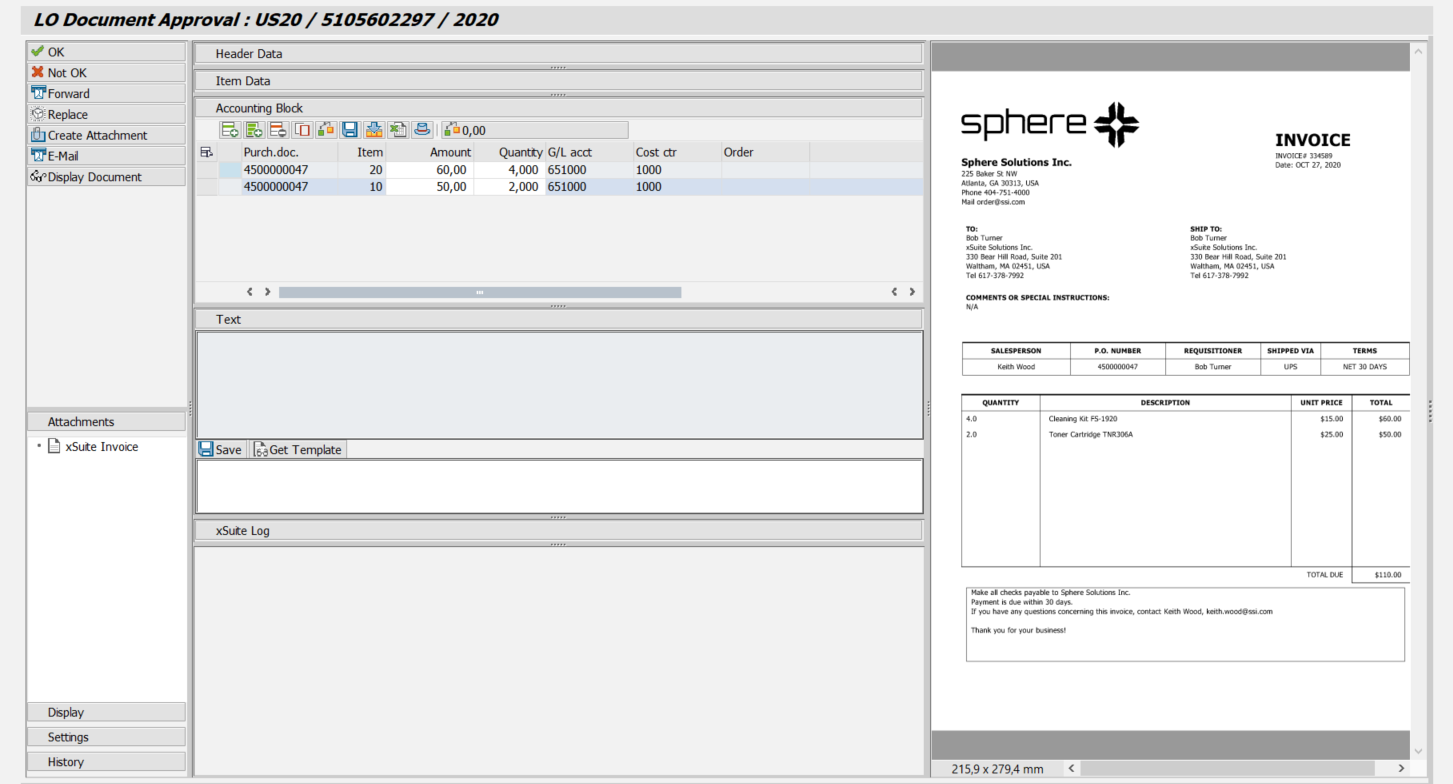 |
UI – SAP Fiori
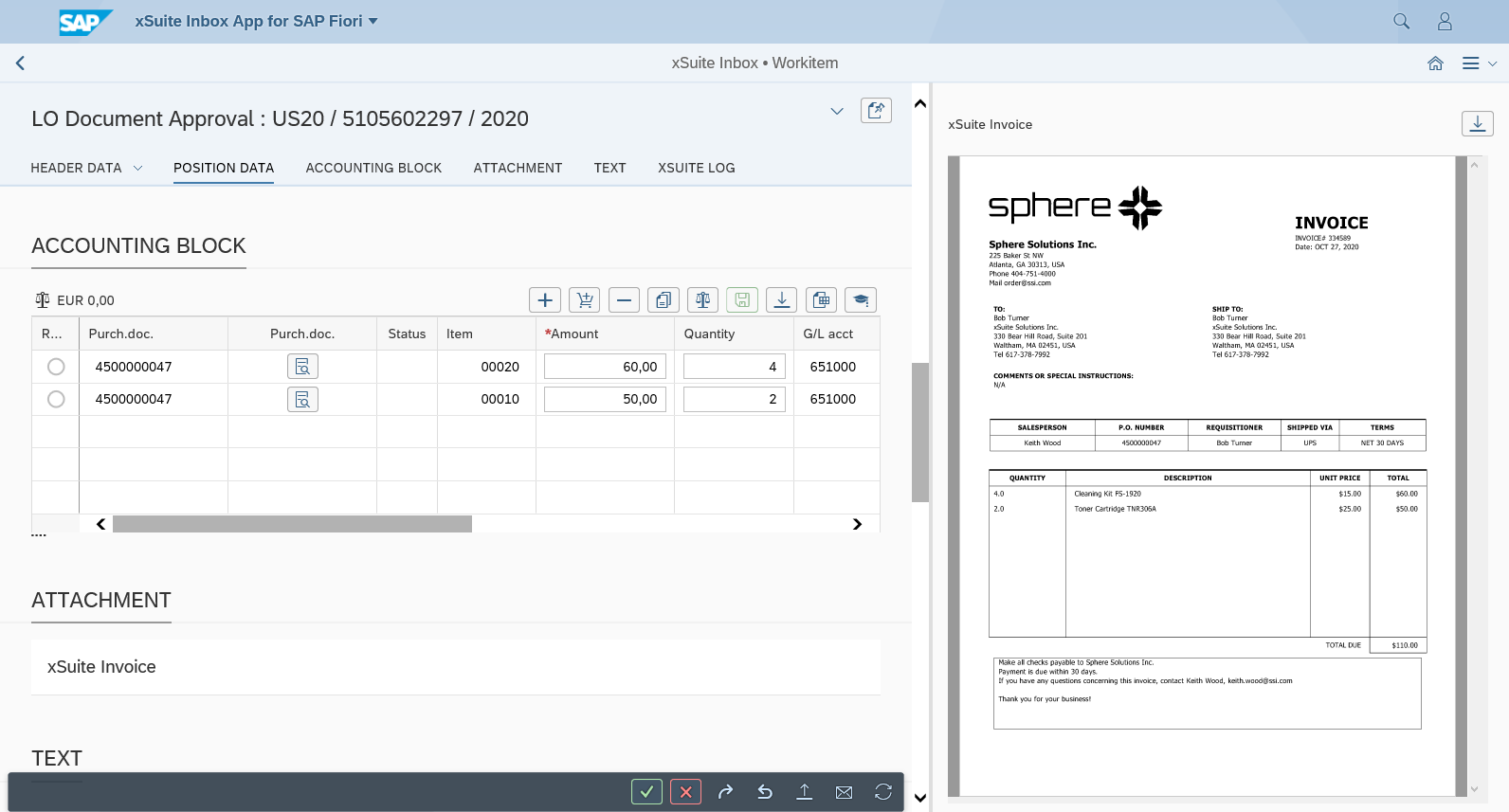 |
UI – xSuite Web
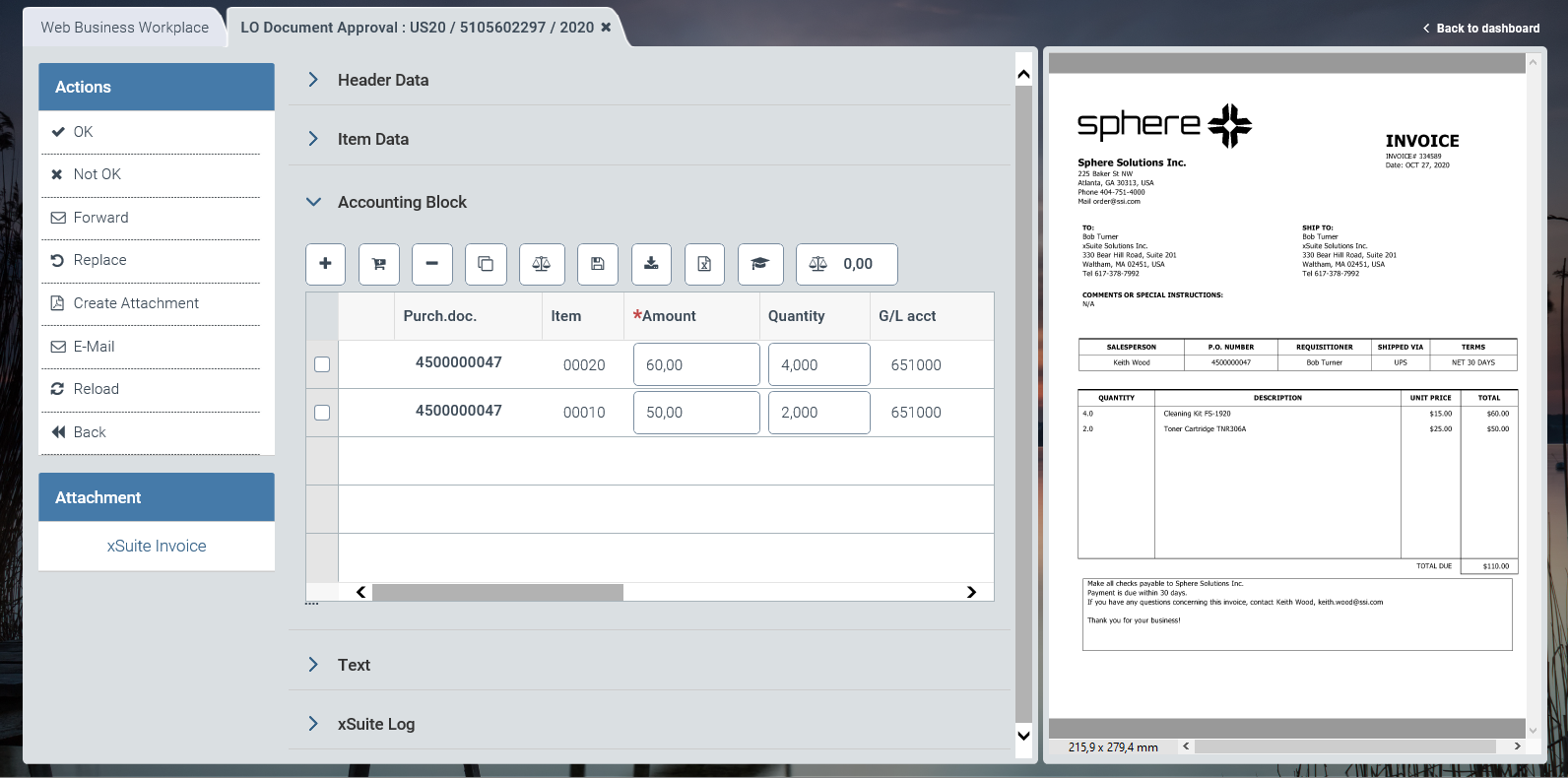 |
For information on UI elements, see Work Items: Main Overview in the SAP GUI, Work Items: Main Overview in SAP Fiori, and Work Items: Main Overview in xSuite Web.
"Approve Document": Buttons
SAP Fiori | SAP GUI / xSuite Web | Description |
|---|---|---|
| OK | Shortcut in the SAP GUI: CtrlF7 |
| Not OK | Shortcut in the SAP GUI: CtrlF8 |
| Forward | |
| Replace | |
| Create Attachment | |
| ||
-- | Display Document | Note: This button is only available in the SAP GUI. |
| Refresh | Note: This button is only available in xSuite Web and in SAP Fiori. |
| Back | Note: This button is only available in xSuite Web and in SAP Fiori. |


"Approve Document": Buttons for the Accounting Block
SAP GUI | SAP Fiori | xSuite Web | Name/Description |
|---|---|---|---|
|
|
| Add row: Inserts a new account-assignment row. Shortcut in the SAP GUI: ShiftF6 |
|
|
| Add purchase order item: Inserts a purchase order item from an existing purchase order. |
|
|
| Delete row: Deletes the account-assignment row selected. |
|
|
| Copy row: Copies the selected account-assignment row. |
|
|
| Check: Checks all items. For information on the approval of an invoice document, see Invoice Document Check. Shortcut in the SAP GUI: ShiftF7 |
|
|
| Save: Saves accounting block information. Shortcut in the SAP GUI: ShiftF8 |
|
|
| Synchronize from SAP document: Transfers the account-assignment information from the SAP document to the account-assignment block. |
|
|
| Synchronize to SAP document: Transfers the account-assignment information from the account-assignment block to the SAP document. The availability of this button depends on how xSuite has been customized. |
|
|
| Upload Excel document: Uploads a selected Excel file and transfers the account assignment rows from the Excel file to the account-assignment block. The structure of the selected Excel file must correspond to the structure of the account-assignment block. When naming the Excel file, never use a space directly preceding the dot and the file extension. |
|
|
| Header data: Opens a partially editable overview of the header data. |
|
|
| Balance: |


