Sending an Email from a Document in xSuite Web
In xSuite Web, open a document that supports sending emails.
Click the E-mail button.
➣ The Info Mail window will open.
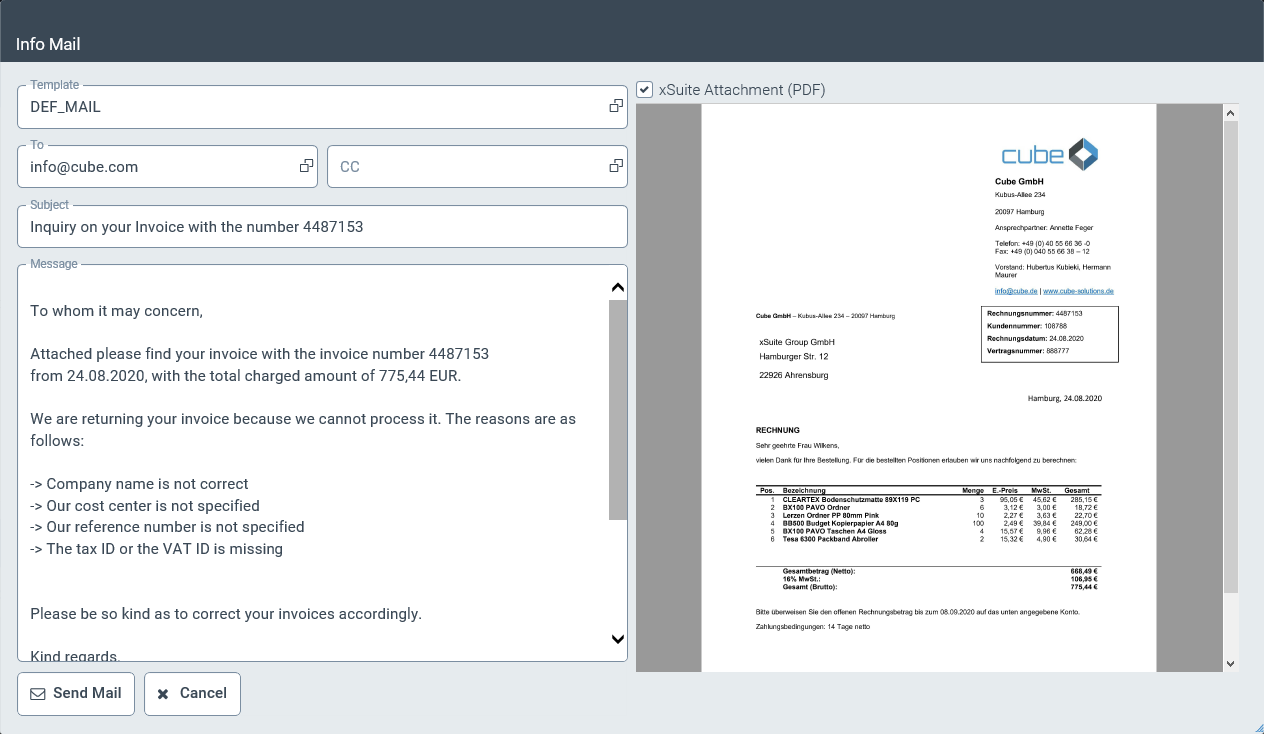
Edit the following data.
Field
Information
Template
Select a text template if required.
For more information on text templates, see Text Templates for E-Mails.
To
Enter the email address of the recipient.
CC
Enter the email addresses of additional recipients as needed.
Subject
Enter a subject.
Message field
The message is prepopulated with the text of the text template selected.
Edit the message.
Click the Send Mail button.
➤ You will receive a notification that the email has been sent.
➤ The entry
E-Mail sentwill be added to the document log.