"Edit Document" (Role AACC)
UI – SAP GUI
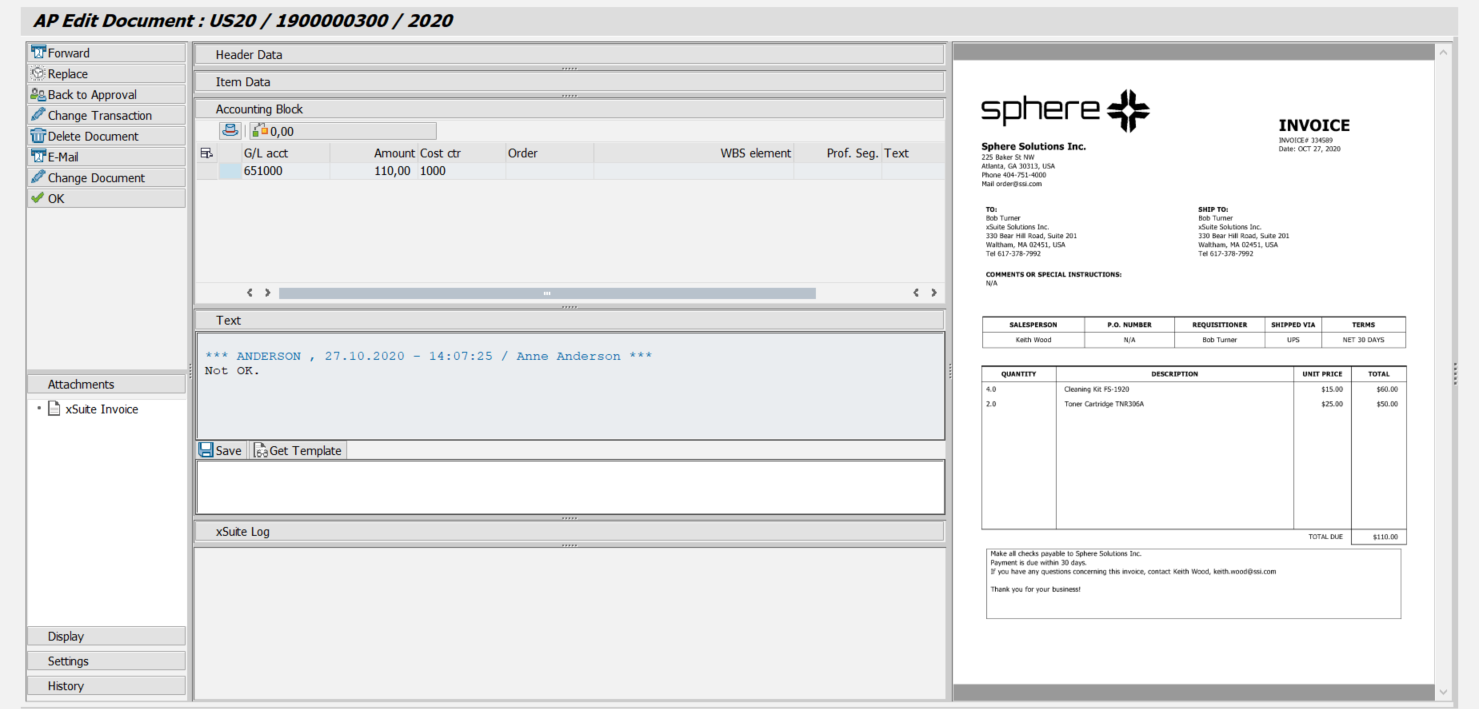 |
UI – SAP Fiori
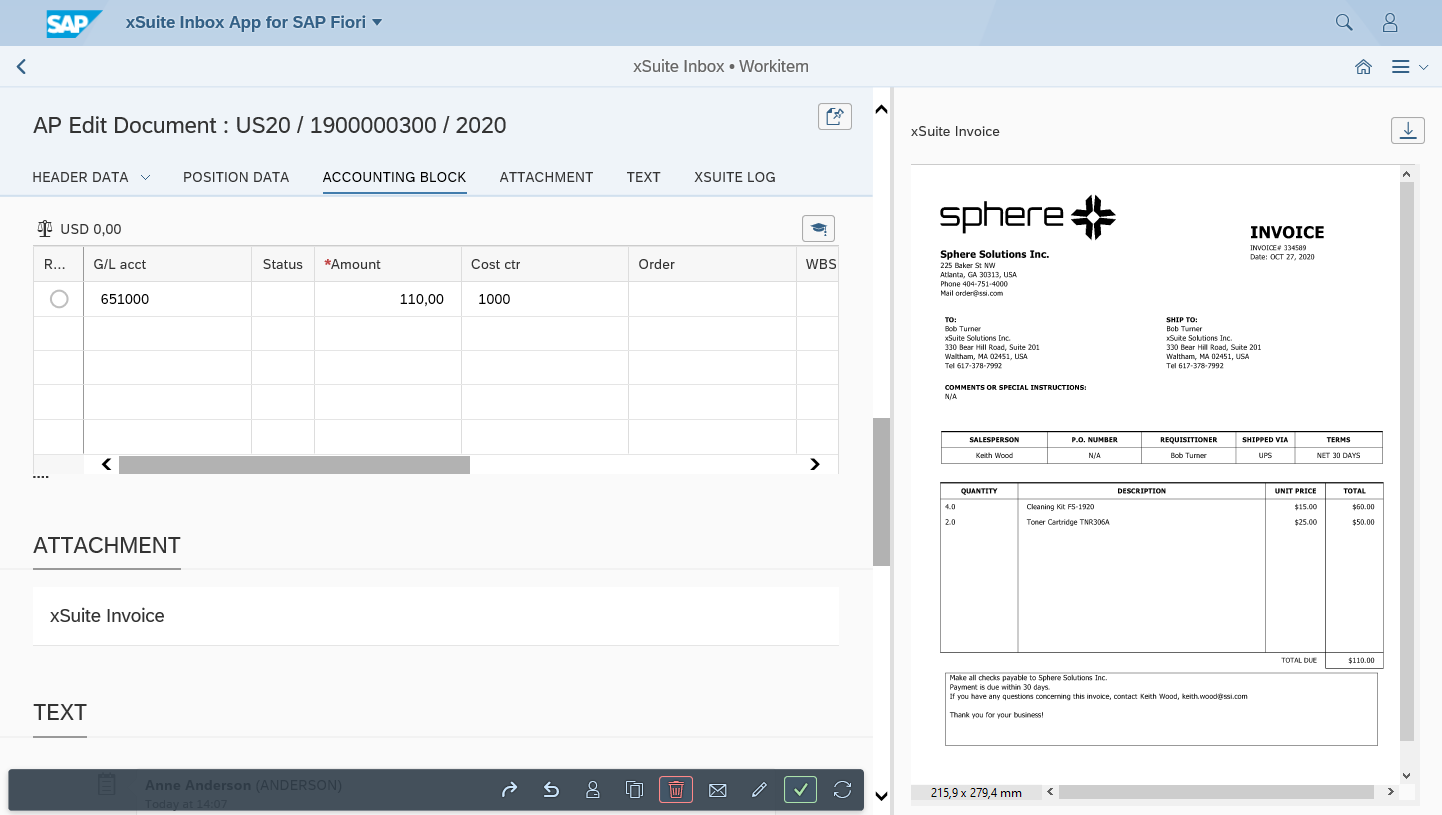 |
UI – xSuite Web
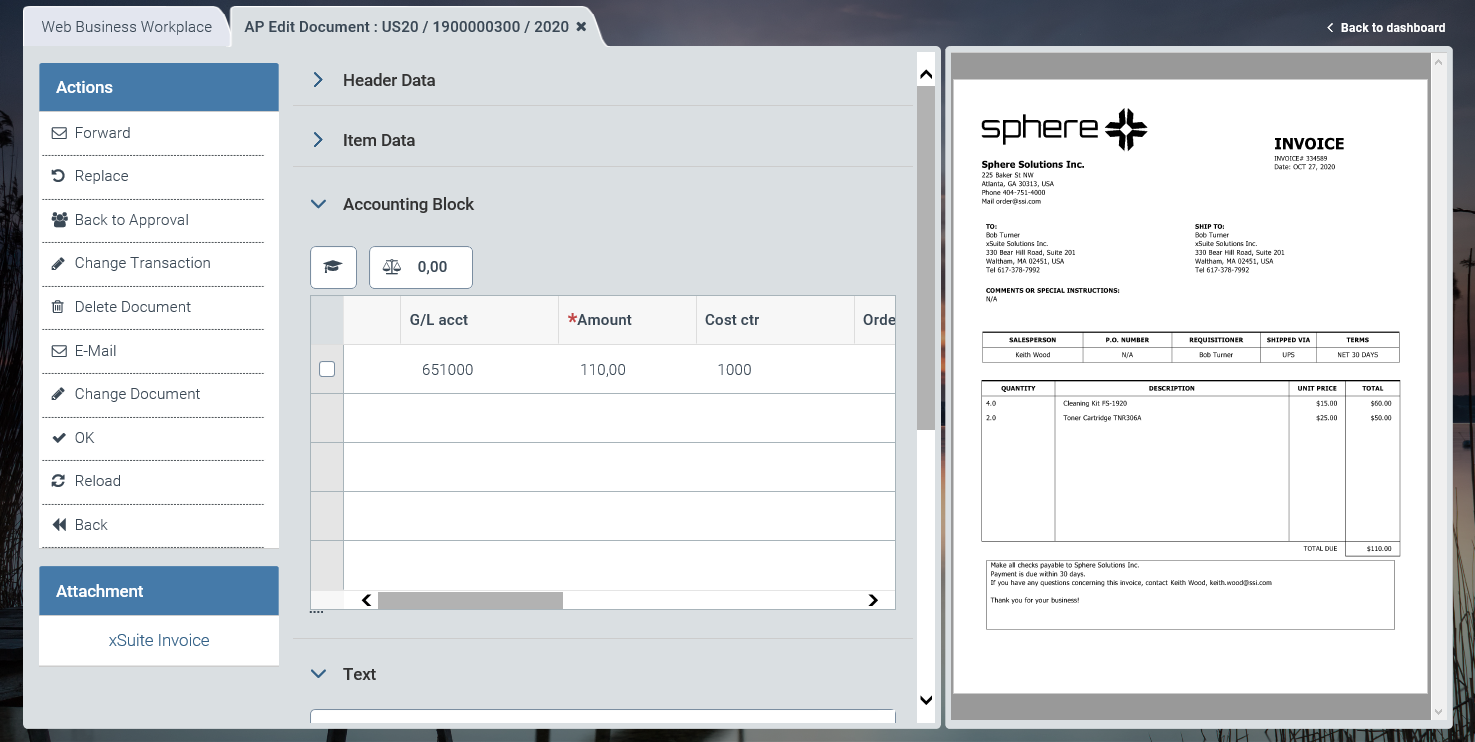 |
For information on UI elements, see Work Items: Main Overview in the SAP GUI, Work Items: Main Overview in SAP Fiori, and Work Items: Main Overview in xSuite Web.
"Edit Document": Buttons
SAP Fiori | SAP GUI / xSuite Web | Description |
|---|---|---|
| Forward | |
| Replace | |
| Back to Approval | |
| Change Transaction | |
| Delete Document | |
| ||
| Change Document | In xSuite Web and in SAP Fiori, the SAP document is opened via the Internet Transaction Server Service (ITS). |
| OK | Shortcut in the SAP GUI: CtrlF5 |
| Refresh | Note: This button is only available in xSuite Web and in SAP Fiori. |
| Back | Note: This button is only available in xSuite Web and in SAP Fiori. |


