Server settings
In the server settings, general server settings and general archive settings can be viewed and edited. The web certificate can also be replaced here.
Uploading a web certificate
The current web certificate can be replaced with another certificate. To do this, enter the password of the current certificate and then the password of the new certificate.
Open Encore administration.
Click on Server settings.
➣ The Upload web certificate tab will appear.
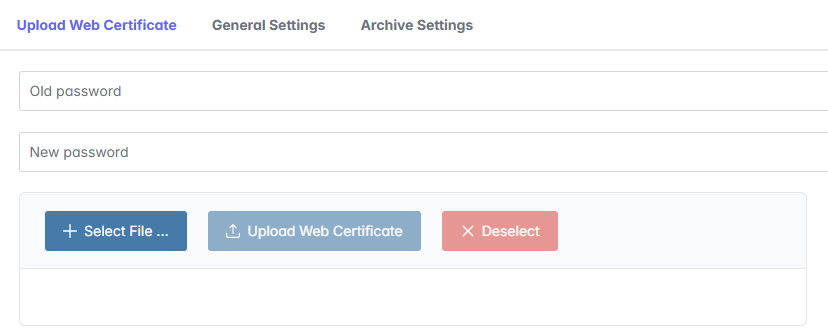
Enter the password of the old certificate in the Old password field.
Enter a password for the new certificate in the New password field.
Click on Select file and select a certificate in PFX format.
Click on Upload web certificate.
Click Save.
➤ The web certificate has now been uploaded.