Saving tiles as default tiles for a role
Notice
This function requires administrator rights.
As an administrator, you can save any tiles that have been added and configured on the dashboard as default tiles for a specific user role. Users who occupy this role will have these tiles automatically displayed on their dashboard.
Open the dashboard.
Click on
 Save tiles as default for roles.
➣ A drop-down list of available user roles will open.
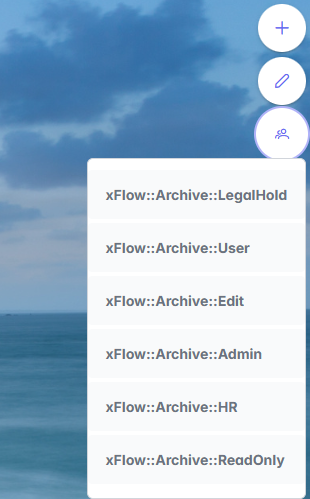
Select a user role.
➣ The tiles will be saved as the default tiles for the selected role.