Deleting a user hit list
Open the Archive section.
In the sidebar, click on the name of an archive.
➣ The documents in the archive will appear in the hit list.
Click
 User hit lists → Delete user hit list.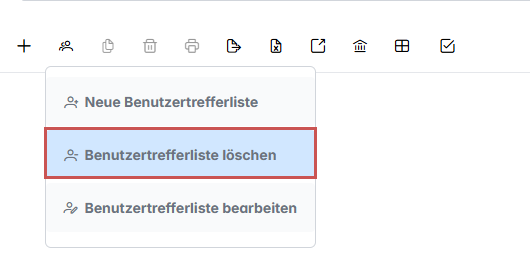
➤ The user hit list will be deleted.
Open the Archive section.
In the sidebar, click on the name of an archive.
➣ The documents in the archive will appear in the hit list.
Click User hit lists → Delete user hit list.
|
➤ The user hit list will be deleted.