Opening the version history of a document
Documents are versioned. Each time a document is edited and saved, a new version is automatically created for the document. All versions of the document appear in the version history of a document. Deleted versions also appear in the version history. However, deleted versions can no longer be opened.
Click on
 Versions.
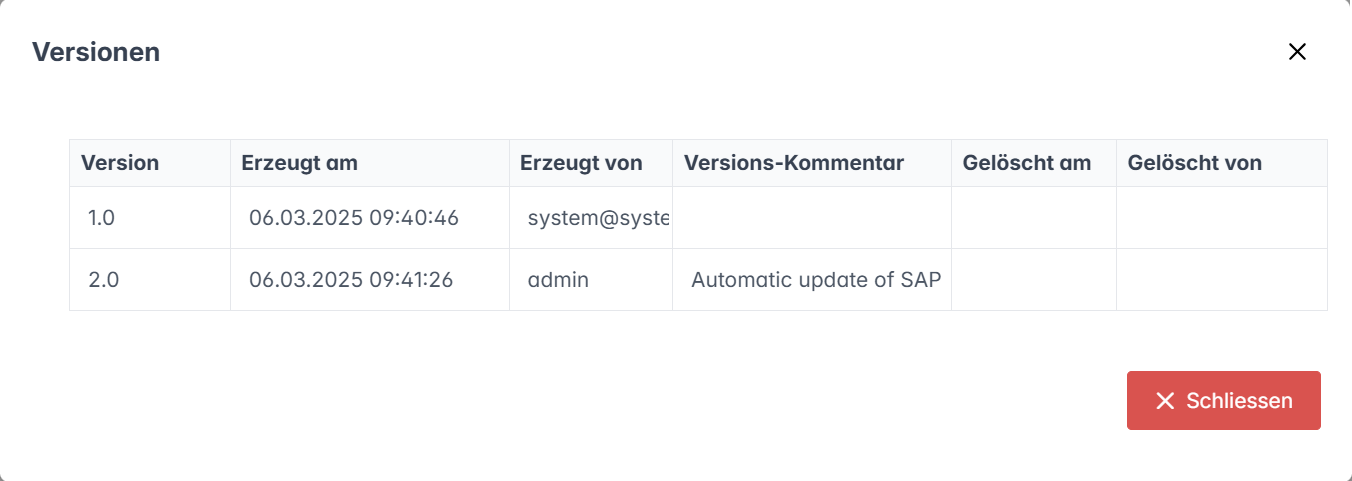
➣ The Versions dialog will open.
Notice
In the dialog Versions, all versions of the document are displayed with the following data:
The user who created or deleted a version
The time at which a version was created or deleted
Any comment added to a version