The log
The log displays entries generated by the MongoDB logger.
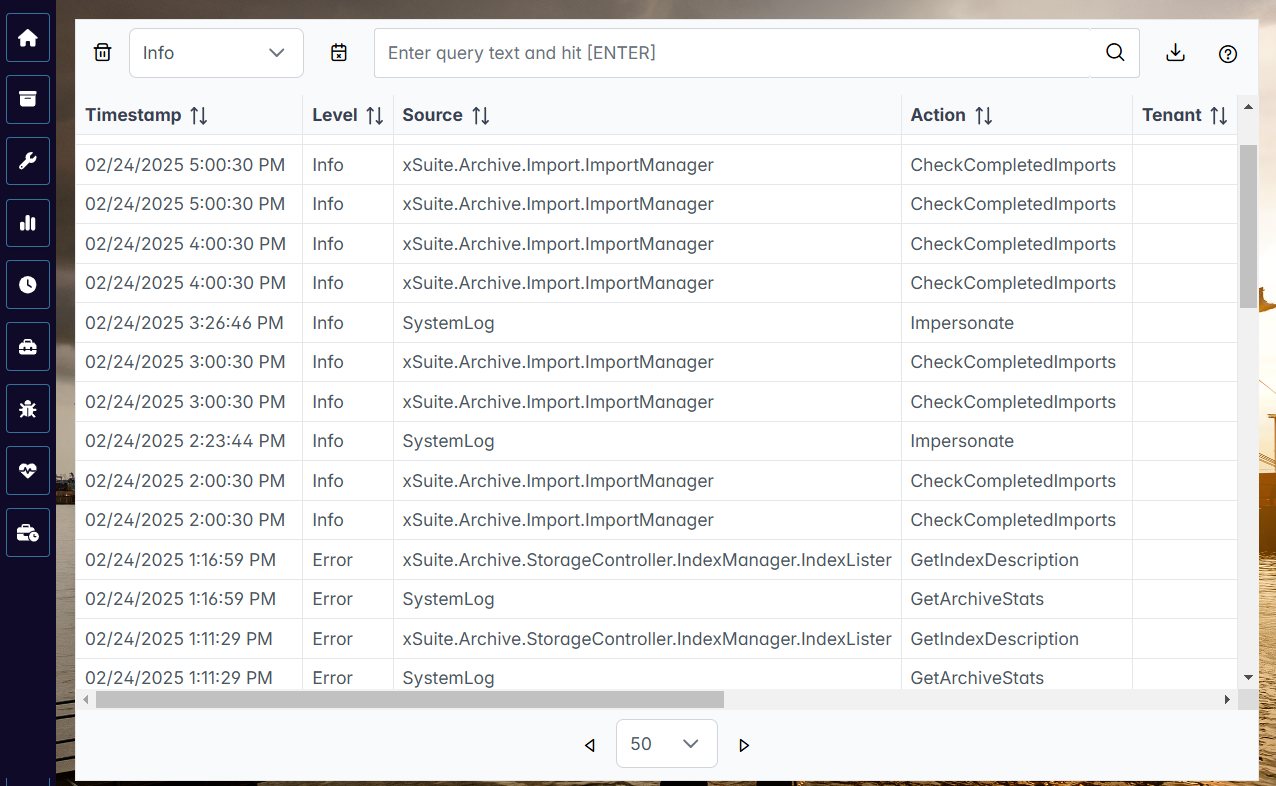 |
You can filter the table by log level. All log entries that correspond to the selected log level or have a higher log level will be displayed in the table. The following log levels are available:
TraceDebugInfoWarnErrorFatalAudit
In the table, you can search for entries, filter entries, and export entries. The following buttons are available in the log for this purpose:
Button | Description |
|---|---|
| Removes all filters. |
| Opens a dialog in which you can specify a time period. Only entries that were created in this period are displayed in the table. |
| Downloads all log entries as a CSV file or as a JSON file. CautionDownloading all log entries can take a long time. Filter the table to reduce the total number of entries. |


