Workflow Execution
Actions of the type Workflow Execution can be used within the framework of the master data reference. Actions of this type are used to sequentially control master data retrieval and provide all data needed for document reading.
The master data is obtained via table mapping and subsequently compiled for use in extraction.
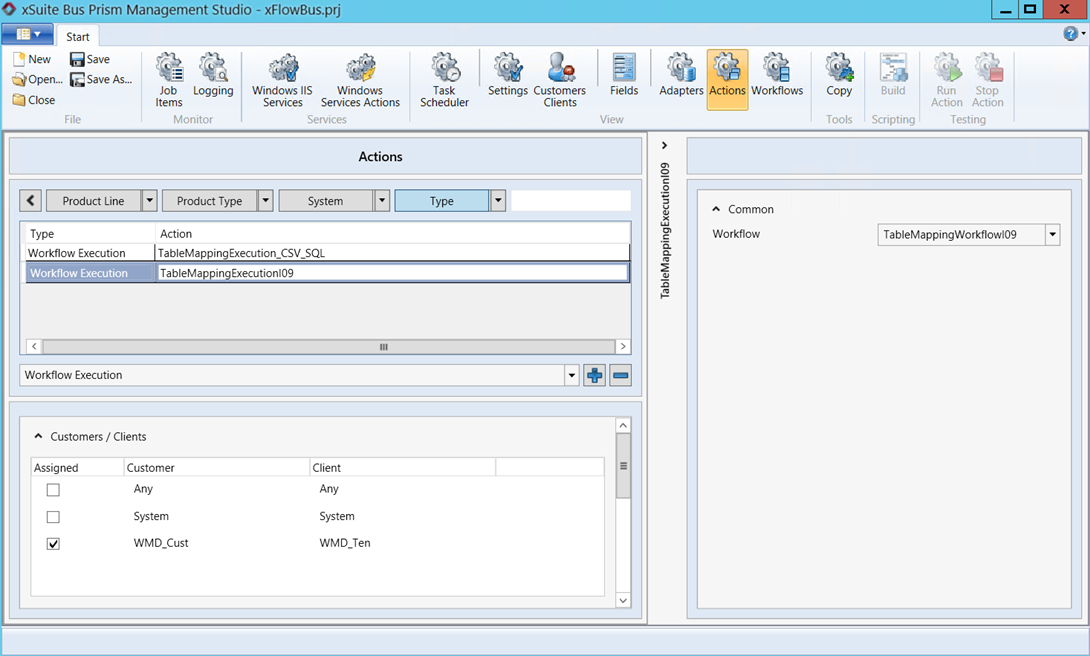 |
For information on creating a table mapping workflow using a Workflow Execution action, see Creating a new table-mapping workflow.
Creating a new table-mapping workflow
In the Bus Management Studio, create a new workflow that contains the desired actions.
A typical workflow would consist of actions to fetch master data from an upstream system and actions to compile the master data for extraction.
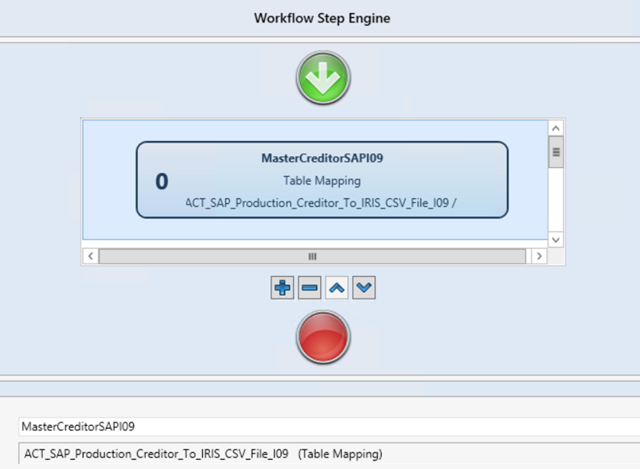
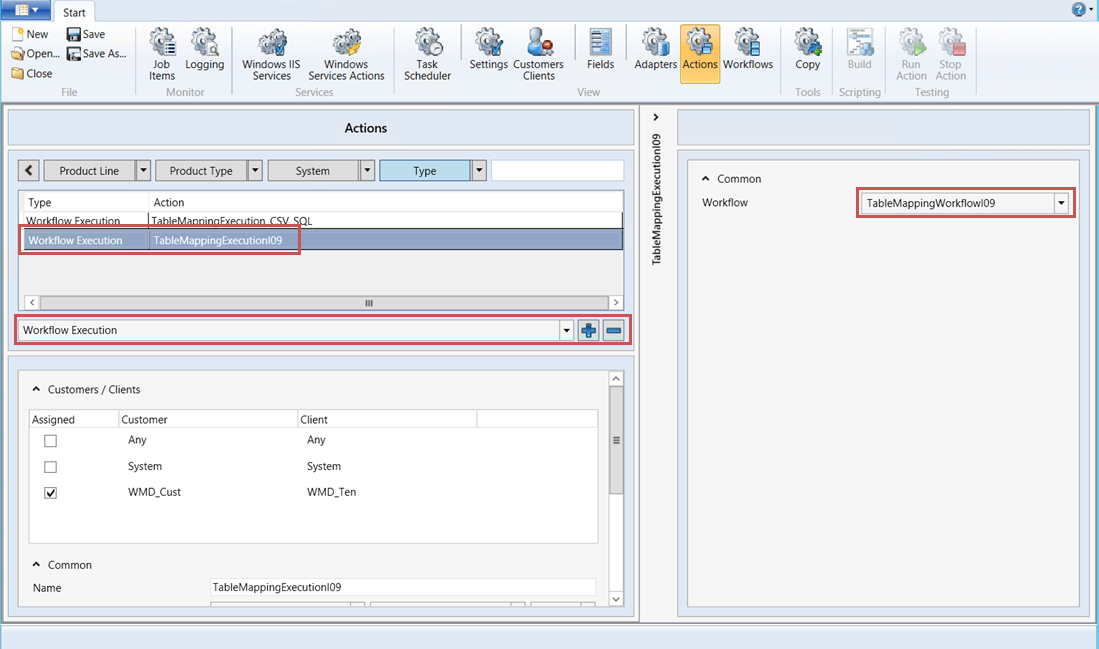
Create a new action of type Workflow Execution.
Store the workflow from Step 1 for the new action.
Store the new action in the Task Scheduler.
The new action will replace the individual actions that were previously stored here for fetching and compiling the master data.
Store the following values under Windows IIS Services:
In the Assigned Scheduler Task section: the task you have created in the Task Scheduler (Step 4).
In the Assigned Actions section: the actions that make up the workflow and the new action of type Workflow Execution.
Notice
The Workflow Execution type action must run on the same service as the task from the Task Scheduler.
➤ The creation of the table mapping workflow is now complete.