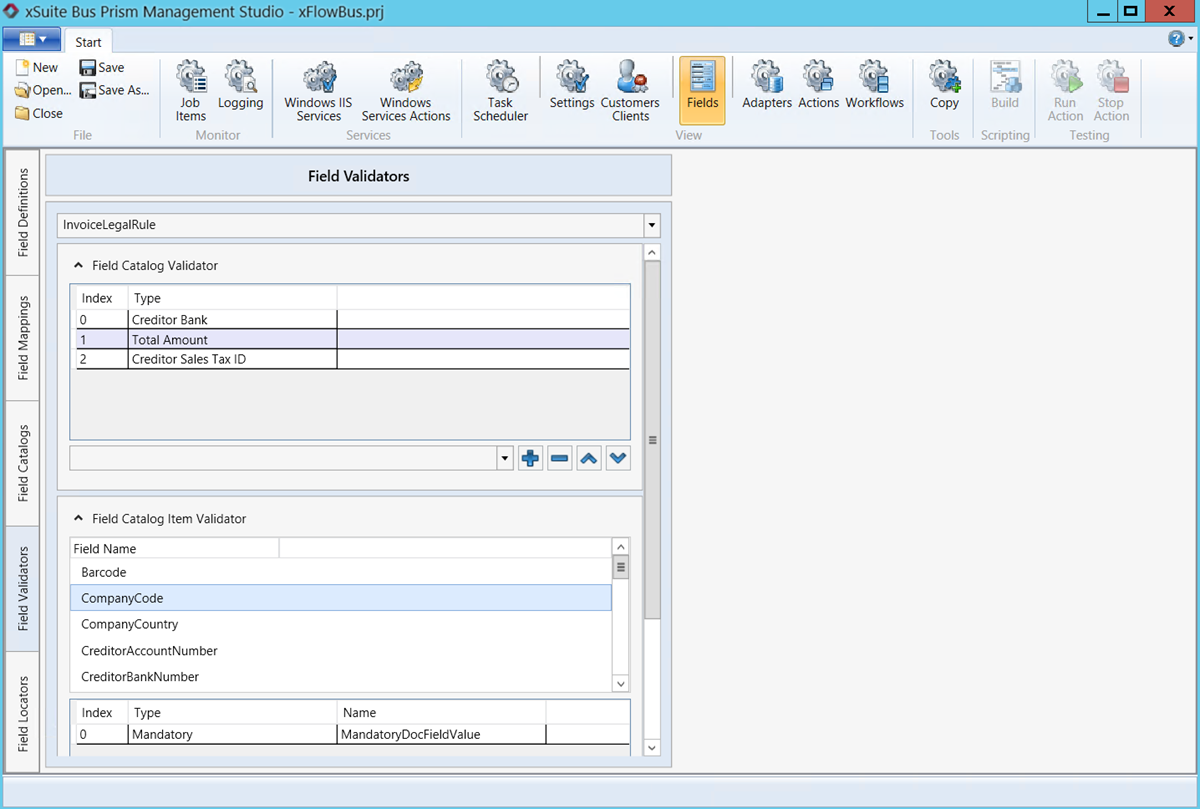
Field Validators
This section allows you to define how a field check is to be performed. Use the Field Catalog section to define the fields to be checked, and select the type of check in the Field Validation section.
You can focus on individual fields by configuring the structure of a captured value, etc. In effect, you can specify how fields are checked and whether they are to be checked against additional fields.
Depending on the result of the field check, found fields are marked in different colors in the xSuite Viewer:
Green: The field is mandatory and present in the document.
Red: The field is mandatory, but not present in the document.
Gray: The field is not defined in the Field Validators section, but it is present in the document.
 |