Deleting a record
Records can be deleted in the Invoice Monitor. After deletion, record status will change to deleted. Once deleted, records can no longer be edited. However, they can still be opened and viewed in the Invoice Monitor.
Notice
Only records that are not in the workflow and have not been posted can be deleted in the Invoice Monitor.
Open the Invoice Monitor.
Open the record you wish to delete.
Click Delete.
Caution
The deletion process starts without a confirmation prompt.
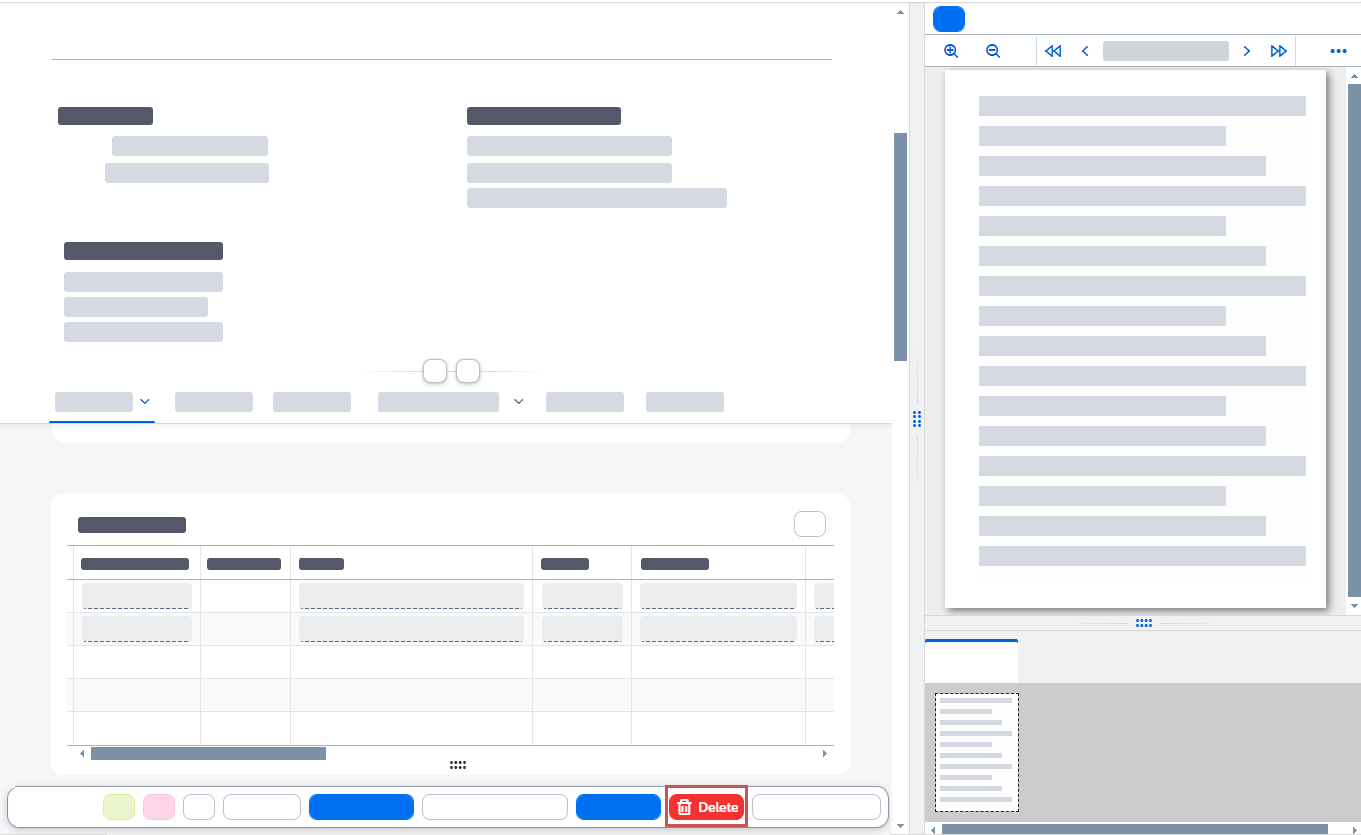
➤ The record has now been deleted.