Deleting a workflow user
Caution
With this action, the workflow user will be permanently deleted and cannot be restored.
On the start page, click on the tile Workflow Agents.
➣ User administration will open.
Click on the tile Workflow Agents.
Click Go.
➣ All existing users will now be displayed in the list.
Select the user that you want to delete.
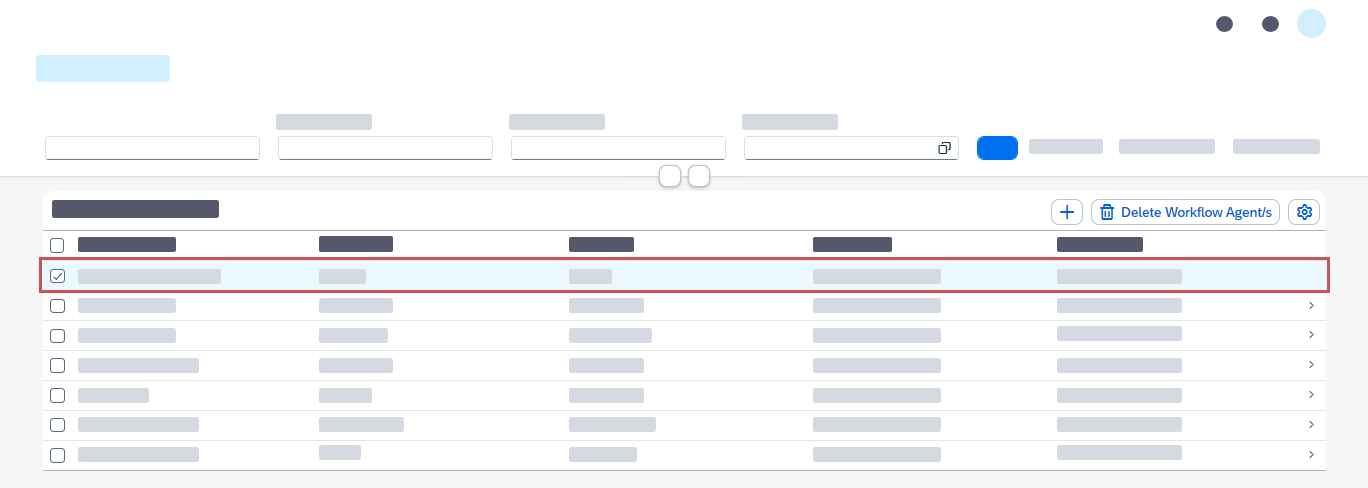
Click the button Delete Workflow Agent/s.
Caution
The deletion process starts without a confirmation prompt.
➤ The workflow user has now been deleted and removed from all groups.