Starting a workflow for an invoice
To enter a workflow, an invoice must be free of error. This means that all errors must be corrected, mandatory fields must be filled, errors corrected and, if need be, information supplemented.
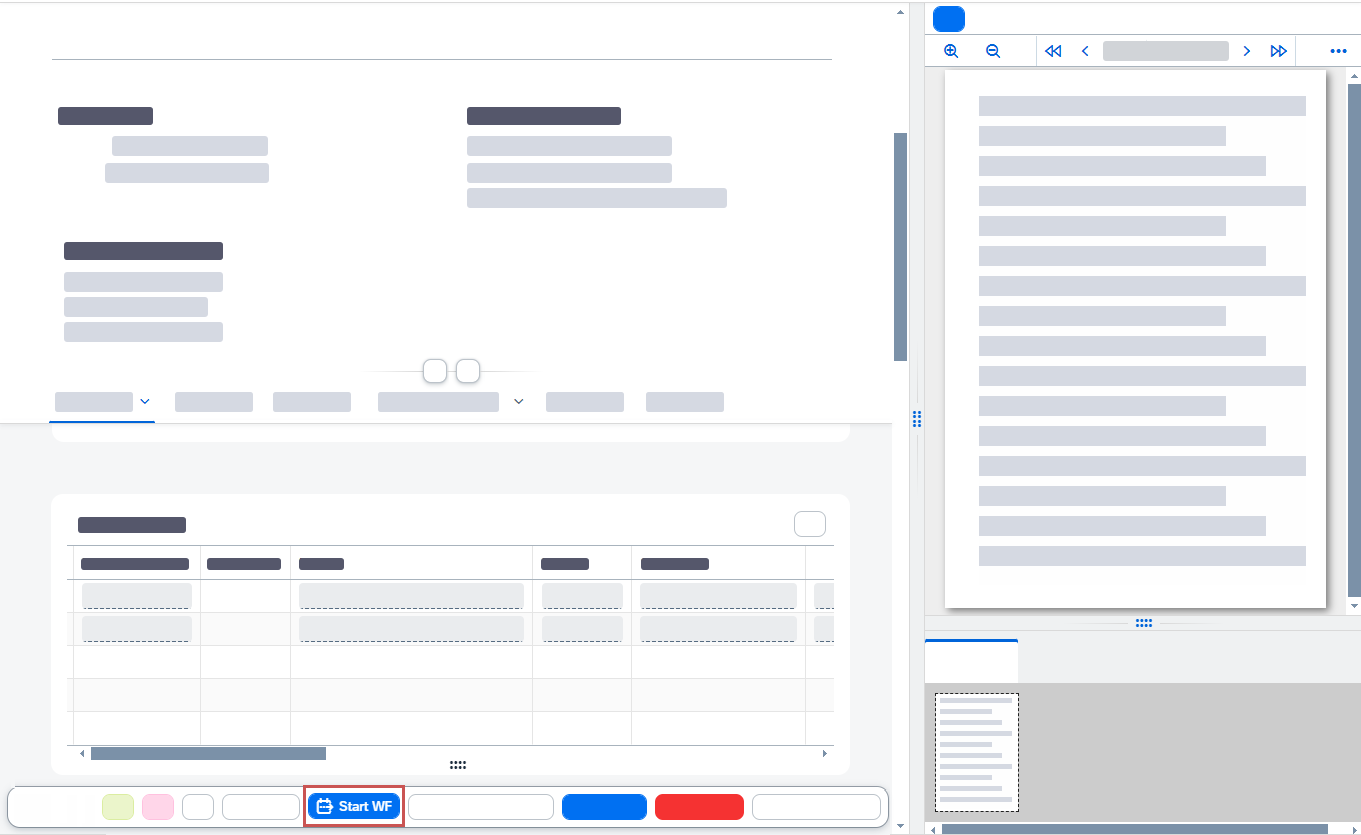
Once you have made sure the invoice is free of errors, you can post it by clicking Start WF.
Open the Invoice Monitor.
Open the invoice for which you want to start the workflow.
Click Start WF.
➤ The workflow for the invoice will now start. The invoice will have the status
workflow started.