Importing a workflow task configuration
You can import data for the workflow task configuration in the form of a CSV file. Data with the same ID is overwritten during import.
On the start page, click on the tile Workflow Task Configuration.
➣ The workflow task configuration will open.
Click Load from files.
➣ The dialog Task Precondition Import will open.
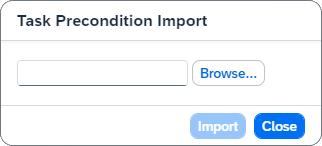
Click Browse and select a file for import.
Click Import.
➤ The workflow task configuration is now imported. You can edit the imported data.
Notice
If an error occurs when importing the data, you will receive a message with the numbers of the rows that could not be imported successfully.