Deleting an agent determination entry
Caution
If you delete an agent determination entry, it will be permanently deleted and cannot be restored.
On the start page, click on the tile Workflow Agent Determination.
➣ Agent determination will open.
[de] Klicken Sie auf Start.
[de] ➣ Alle vorhandenen Einträge werden in der Liste angezeigt.
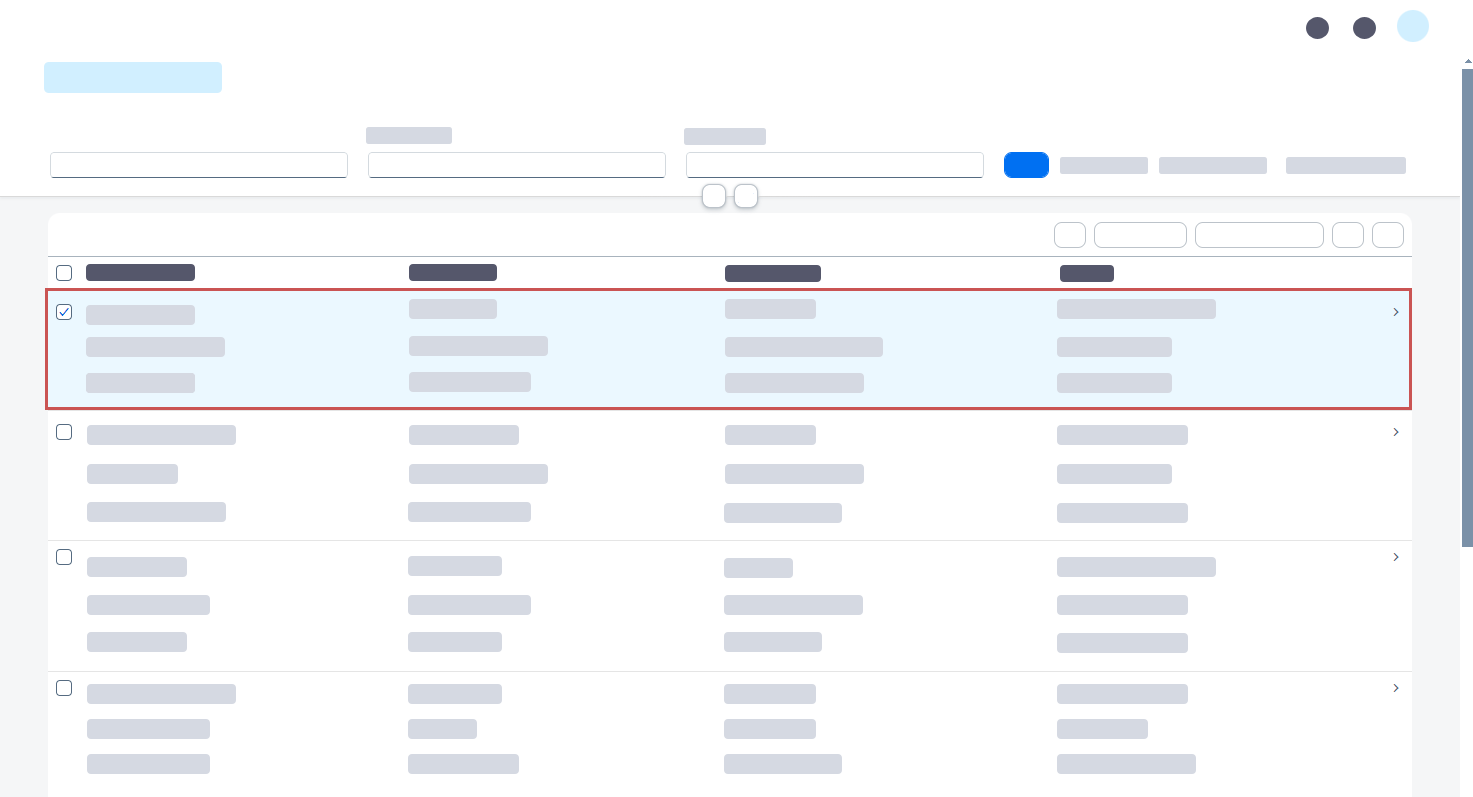
Select an agent determination entry that you want to delete.
Click the button
 Delete agent determination and click OK to confirm.
➤ The agent determination entry has now been deleted.