Posting an invoice
An invoice can be posted straight through from the Invoice Monitor without the invoice entering the workflow. For direct posting, the invoice must be free of errors. For example, all mandatory fields must be filled and the invoice must not contain any quantity blocks or price blocks.
Open the Invoice Monitor.
Open the invoice you want to post.
Click Post.
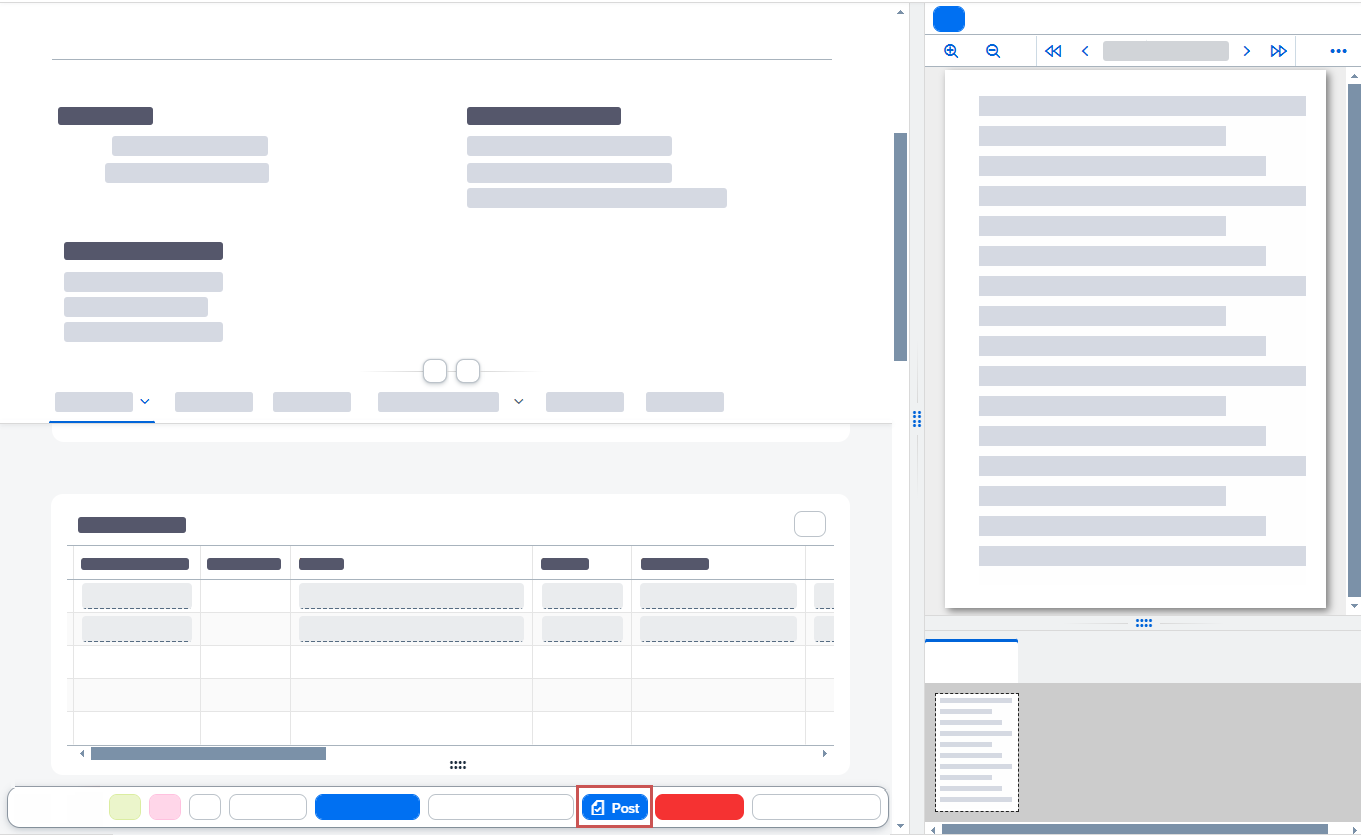
➤ The invoice will be posted, receiving the status
posted. It can now no longer be edited.