Changing Confirmation Assignment
Notice
Finish processing the worklist of PO items in the Item Data area before changing the confirmation assignment.
In the Confirmation Items area, select a confirmation item and click the button
 Change confirmation assignment.
➣ A list of the PO items available in the Item Data area will open.
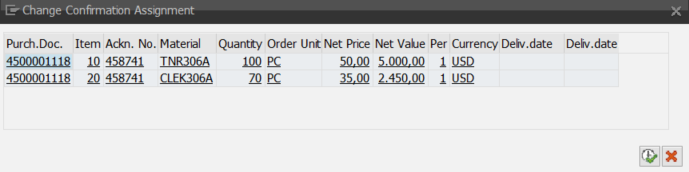
Select a PO item and click
 Execute.
➤ The confirmation item will be assigned to the selected PO number and PO item.