Checking All PO Items in a Document
Open a document in the validation screen. For more information, see Opening a Document in Validation in the SAP GUI.
Click on the Check button.
➣ The status of all PO items is checked.
➣ The status identified will be displayed in the column S. For more information, see Validation: Status of PO Items.
➣ The dialog screen Messages will open.
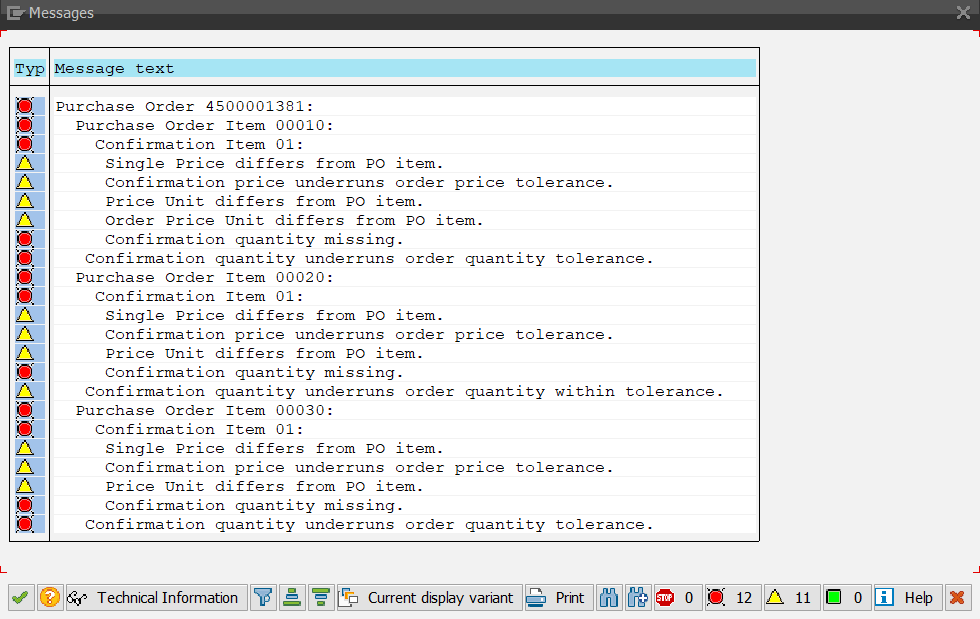
➤ This is where the warning and error messages for the document are displayed.