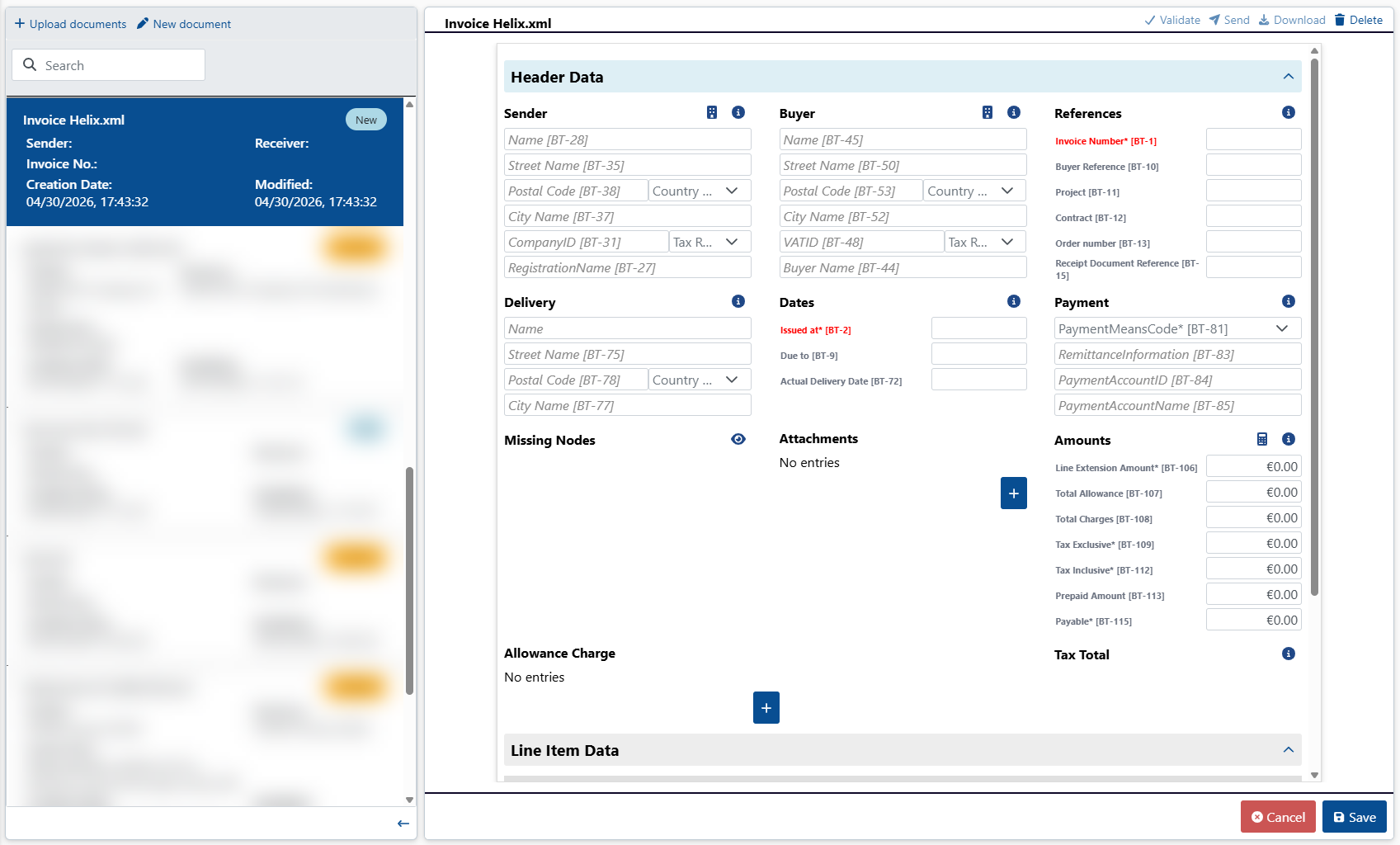
Creating a new document
Under the Document Hub menu item, click New document.
➣ The New Document dialog box will open.
In the File name field, enter a file name for the document.
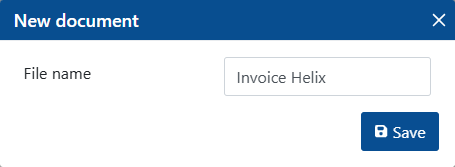
Click Save.
➤ The document has been created. The document is displayed in the document list with the status
New. The document does not yet contain any data. You can edit the document to add data.