Assigning the role collection "Portal_Admin"
Within the Cloud Foundry subaccount, click Security → Role Collections.
Enter the value
Portal_Adminin the search field.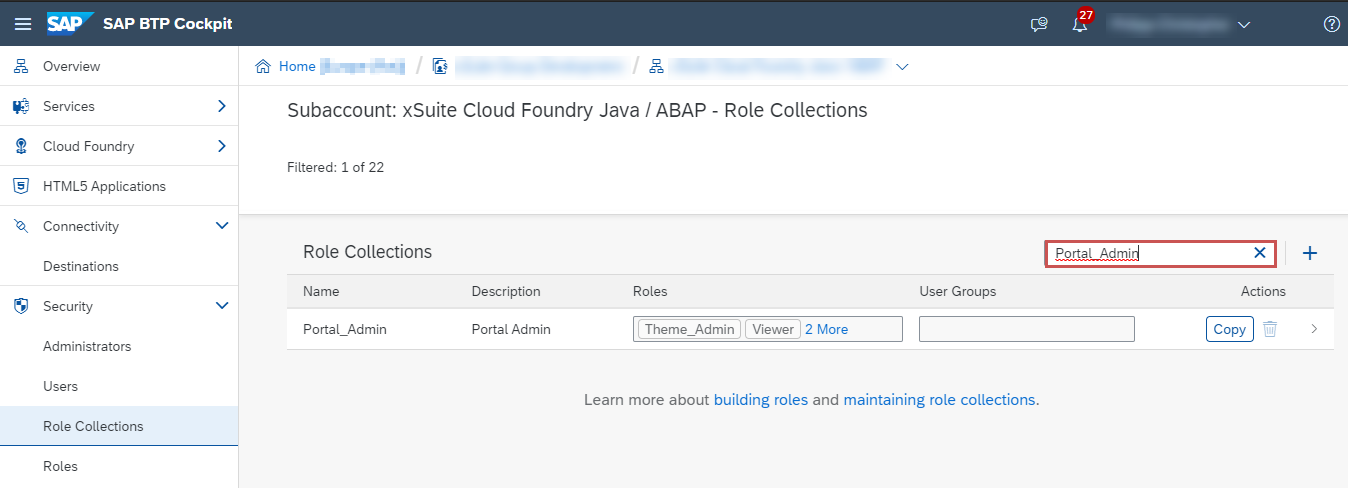
Click on the line Portal_Admin.
➣ The detailed view of the role collection will open.
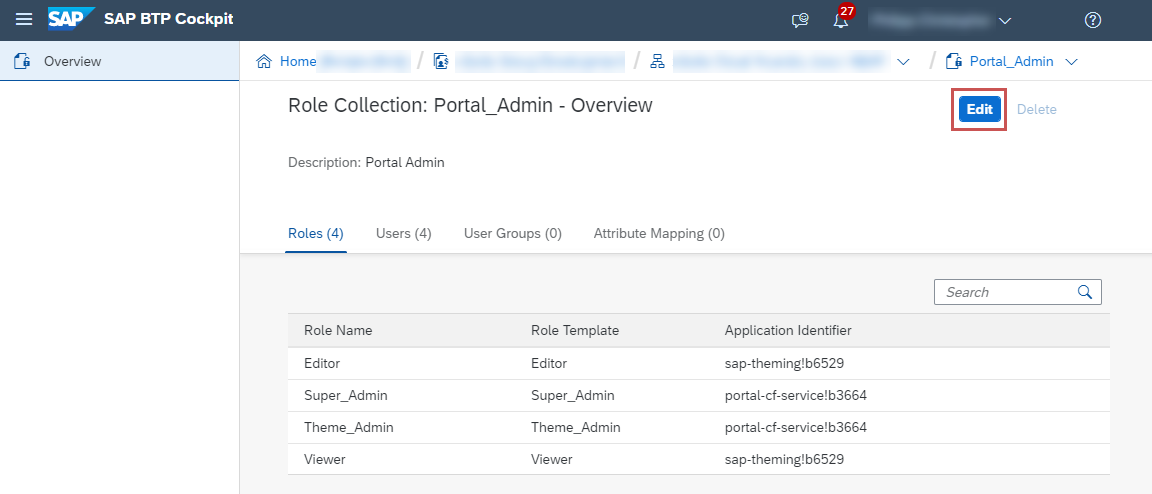
Click Edit.
➣ The entries in the detail view can now be edited.
In the Users section, enter the e-mail addresses of the users who are to receive the role collection Portal_Admin.
Click Save.
➤ The role collection Portal_Admin is now assigned to the specified users.
Notice
For the role collection assignment to take effect, you may need to refresh your web browser.