Calling the Fiori Launchpad
Open the portal manager. For more information, see Opening the portal manager.
Click on
 Website Manager.
➣ The website manager will open.
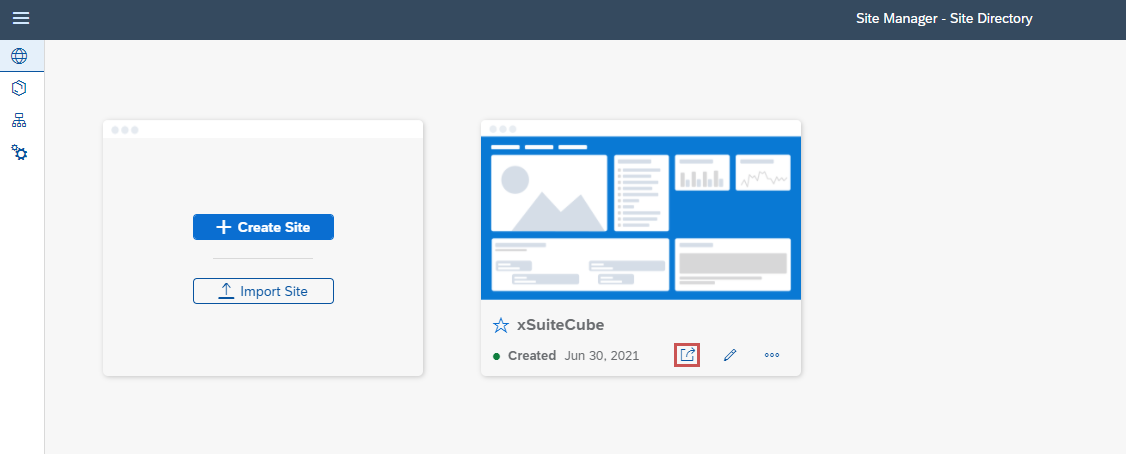
Click on the button
 To the website.
➤ The Launchpad will open in a new browser tab.