Opening the portal manager
Within the Cloud Foundry subaccount, click Services → Instances and Subscriptions.
Search for the Build Work Zone subscription in the list of subscriptions.
Notice
For information on setting up the Build Work Zone, see Set up Build Work Zone for cFLP use.
In the line of the Build Work Zone, click the button
 or the button
  Go to Application.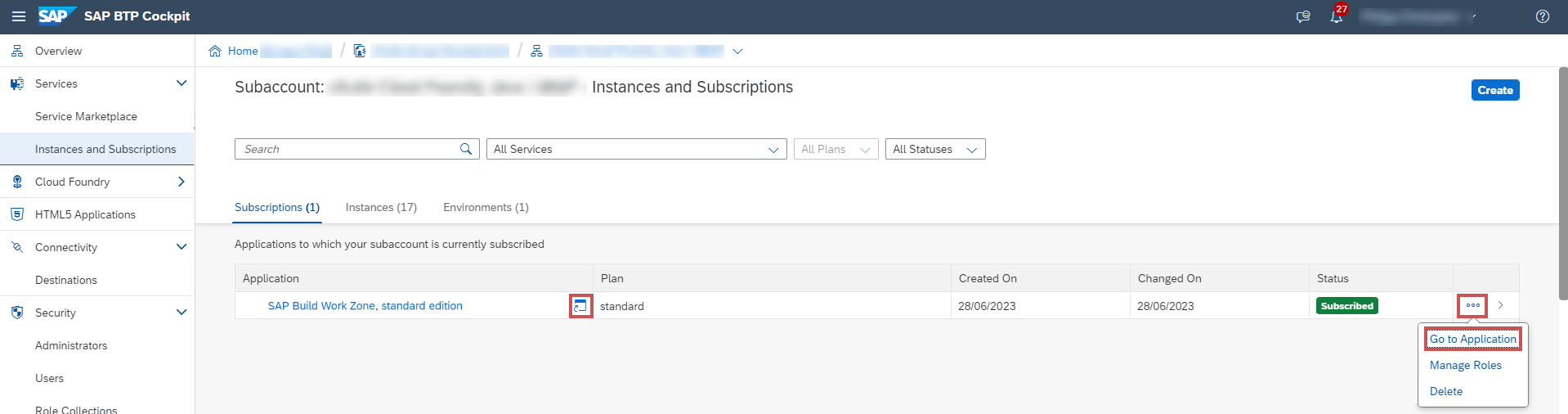
➤ The portal manager will open.