Uploading documents
Here you can upload your own documents. Only selected document types can be uploaded. The document types are determined by the customer. Depending on the document type, you will be prompted to enter mandatory fields.
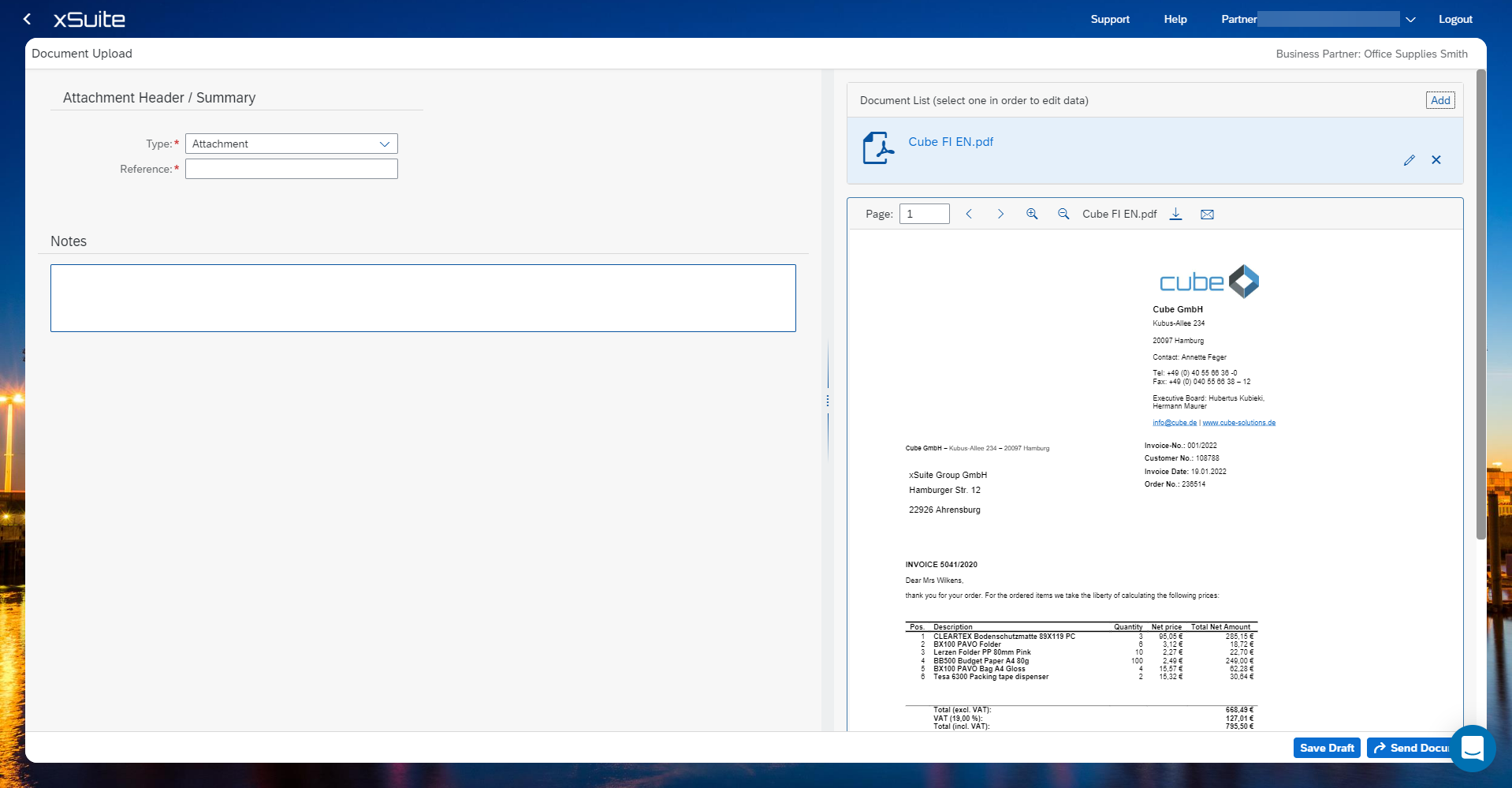
Uploading a document
Click Draft Documents.
The detailed view of drafts will open.
The saved drafts can be filtered using the Partner Reference, Customer Reference and Document Type search function and are listed in the view.
By using the arrow on the right side you can jump to the selected draft.
The view for uploading documents will open.
The document type can be changed to an attachment, invoice or credit note through a drop-down menu.
The reference can be modified manually.
A note field can be used to include a message.
The draft can still be saved with the Save draft button.
The Send document button sends the document directly to the customer.