Overview of columns in list of business partners
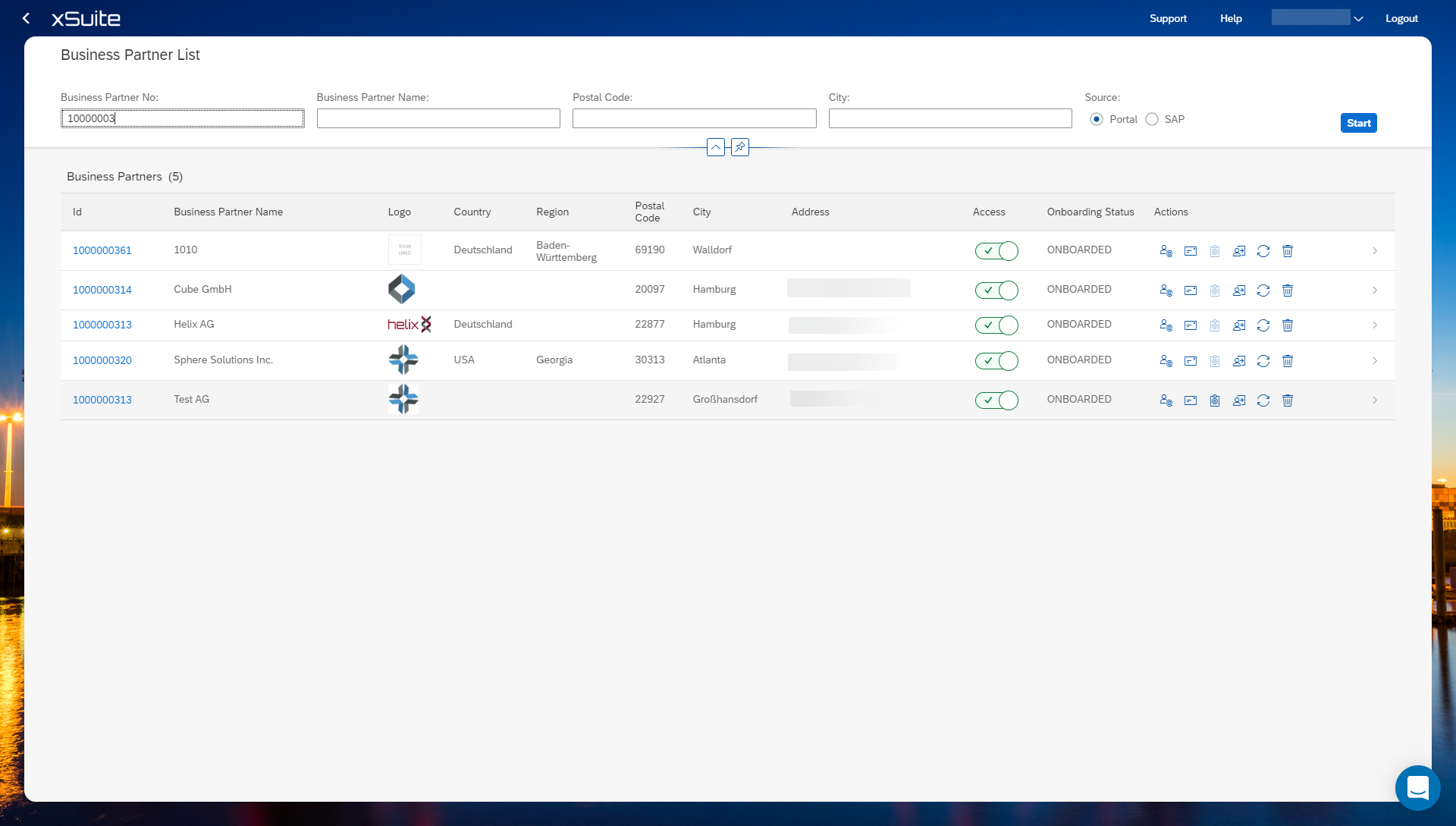
Name | Description |
|---|---|
ID | Shows the ID of the business partner. |
Business Partner Name | Shows the name of the business partner. |
Logo | Shows the logo of the business partner. |
Country | Shows the country of the business partner |
Region | Shows the region of the business partner. |
Postal Code | Shows the postal code of the business partner. |
City | Shows the city of the business partner. |
Address | Shows the address of the business partner. |
Access | Shows whether the business partner has access to the Business Partner Portal. |
Onboarding Status | Shows the onboarding status of the business partner. |
Actions | Shows the actions of a business partner. Information on the actions can be found at Overview of actions in business partner list. |